Review
Upload a contract, say whose side you are on, and get findings you can act on - then turn the ones you accept into a Word tracked-changes redline.
Read from your side
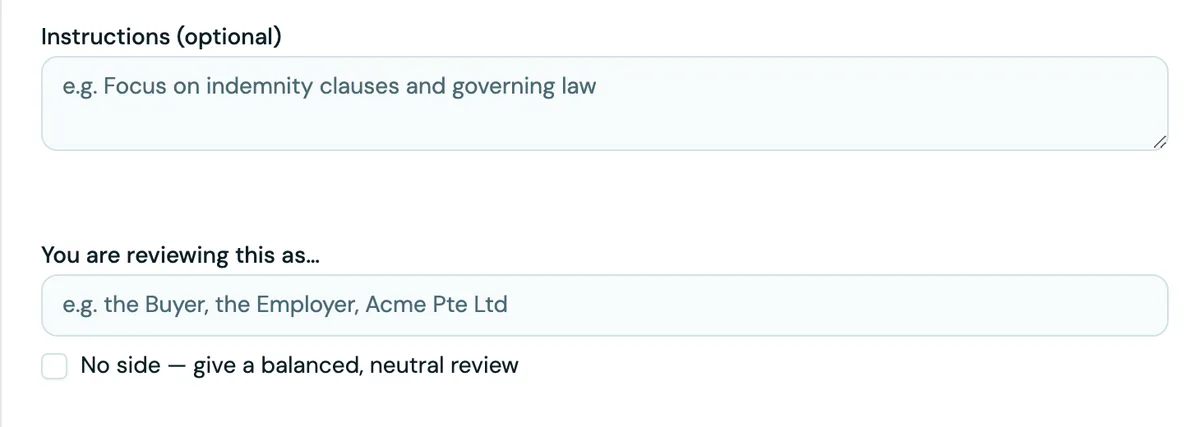
Say whose side you are on
The same clause is a risk to one party and a protection to the other, so Review never guesses. Name the party you act for, or tick the neutral box, and add instructions telling the review what to look for. Attach a playbook and switch on clause checking to have it argue your positions rather than generic ones.
Findings, not an essay
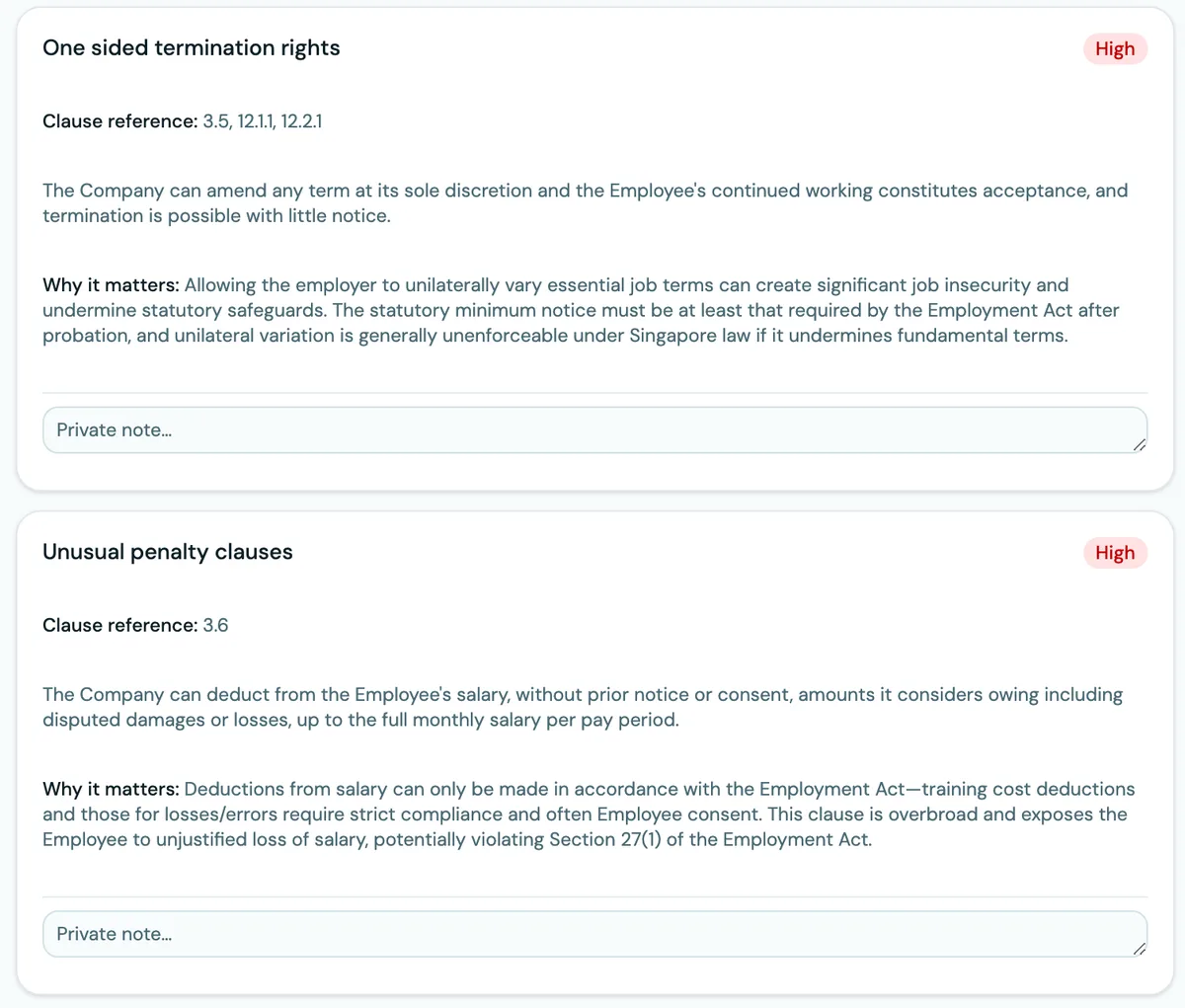
Every issue graded and located
Each finding carries a severity, the clause it refers to in the document, and a plain-English account of why it matters. Clause deviations go further: the document's own language, your saved position, an accept, negotiate or reject call, and suggested wording. Add private notes as you work through them.
Word redlines
Hand back a tracked-changes document
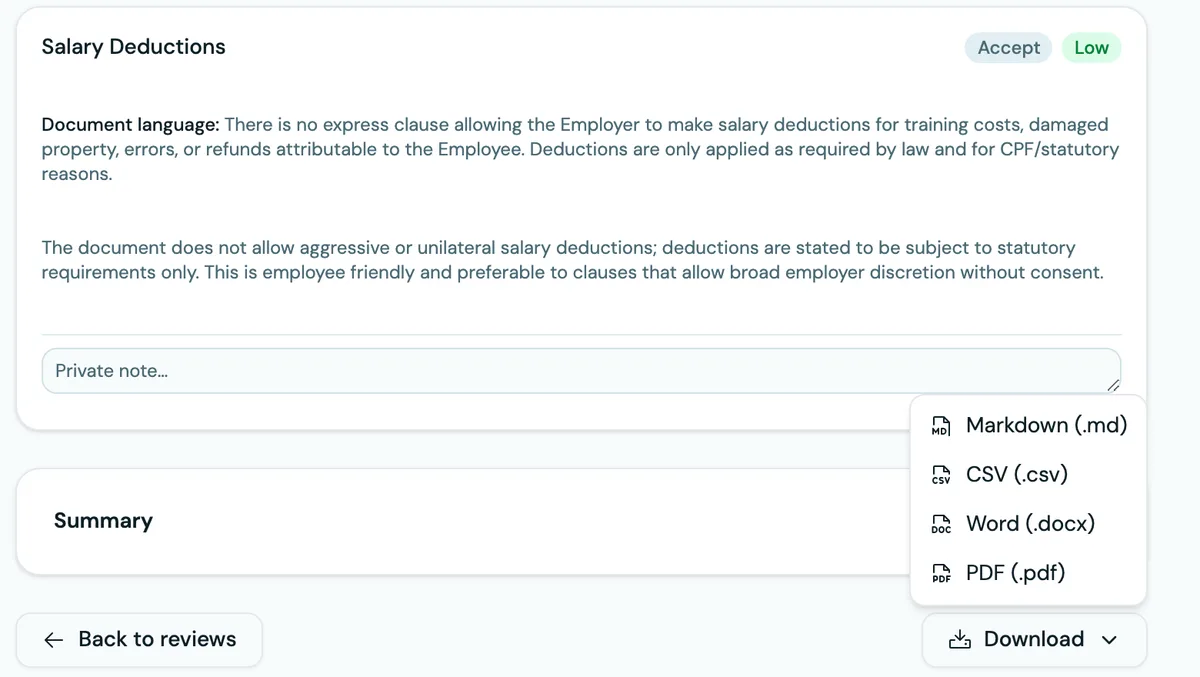
Tick the findings you want applied and Elefant writes them into the Word file as real tracked insertions and deletions with native comments, keeping bold, italics and cross-references intact. Successive redline versions are kept, and the review itself exports as Word, PDF, Markdown or CSV.
Frequently Asked Questions
The Elefant Suite
Every Elefant product works together. Explore the full toolkit for research, drafting, analysis, and workflow.
Search
Boolean + semantic search in seconds
Learn moreAsk Elf
Converse 1:1 with cited sources + AI
Learn moreCommencements
Track when Acts & Sessions took effect
Learn moreInsights
Your own research team
Learn moreBriefcase
Save, organise, and analyse your findings
Learn moreDrafter
Create legal documents
Learn moreLawmakers
Follow Singaporean parliamentarians. Track speeches and positions across sessions and topics.
Learn moreMammoth
Streamline legal requests across the enterprise. Connect business teams, in-house counsel, and outside legal in one workspace.
Learn moreAPI
Build with Elefant
Learn moreReview
Read a contract from your side
Learn moreCitations
Check every citation before you file
Learn morePlaybooks
Your review standard, reusable
Learn moreClauses
Your organisation's clause bank
Learn moreLearn
Practise, and be graded on it
Learn morePut your next contract through Review
Bring your perspective, your playbook and your clause bank. Leave with graded findings and a redline you can send.